How search works
Every time you type something into the search bar, a lot happens behind the scenes before you see a single product. Here is a plain-language look at how Whatslink finds shops, organizes their products, and helps you track down the exact niche items you have in mind.
01
We explore the shops
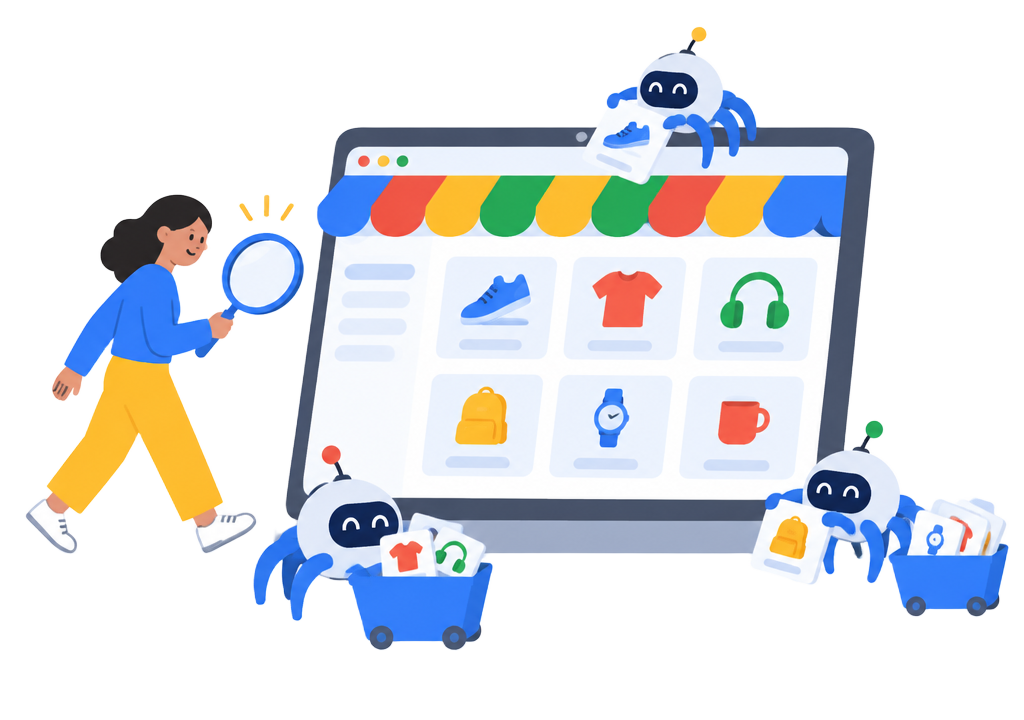
We continuously visit the webshops in the index and walk through their category pages – jackets, jeans, dresses, sneakers, perfume, skincare and hundreds more. For every category we register the direct link to the shop, so a search never sends you to a homepage. You land exactly on the category you asked for.
While exploring, we also read the products themselves: pictures, sizes, colors, brands and availability. Products with broken images or missing details are filtered out, so what you see in the results is what you actually get in the shop.
02
Everything gets organized
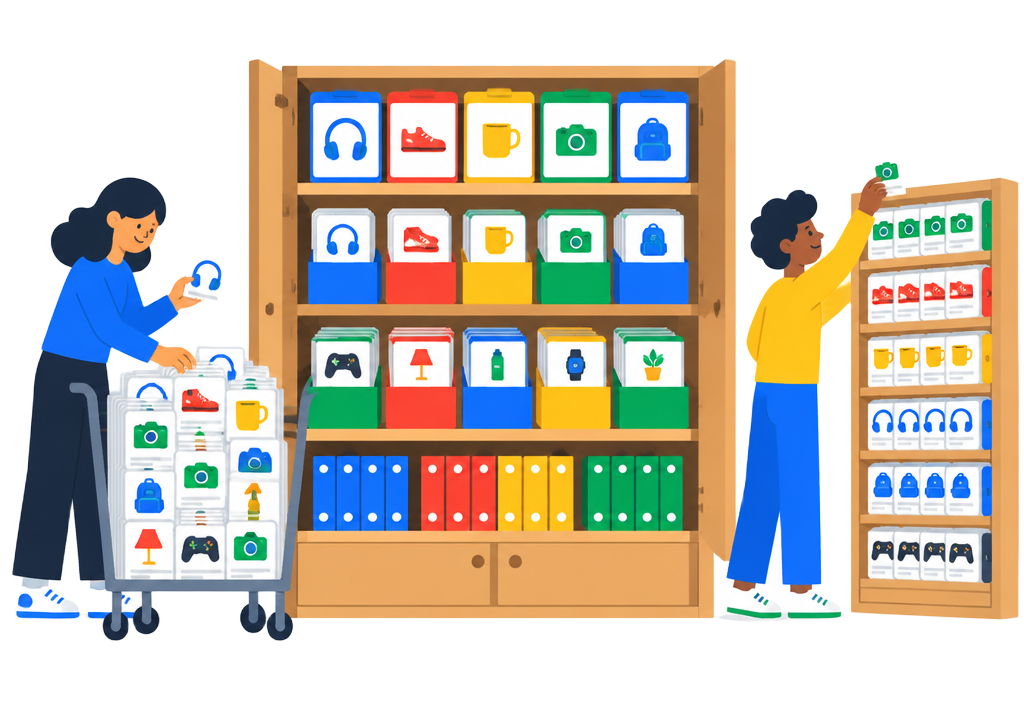
Everything we collect is placed into a giant index – one shelf per product category, one label per shop. When a shop adds new items or changes its categories, the index is refreshed, and when a link stops working it is removed from the results.
Each product keeps its link back to its own category in its own shop. That is why a search for “jeans” can show items from many different webshops side by side, each one pointing directly to the jeans section of that shop.

03
We figure out what you mean
Search should work the way people talk – not the way shops name their products. So before we look anything up, we try to understand you:
- Spelling mistakes get fixed. Type “sikker” or “solker” and we still show socks. Brands and shop names are never changed.
- Languages get translated. Search in English and we look up the Danish terms behind the scenes, because that is what the shops use.
- Full sentences work. Say “loose-fitting black jeans, max 800 kr.” and we pick out the category, the color, the fit and the budget.
- Gender stays separated. A search for men's shirts shows men's shirts – not women's or children's versions of the same item.
Then the matching products are gathered from shops across the index and mixed so no single shop dominates the page. Results appear in random order – that is a deliberate choice that keeps the platform open and gives small shops the same stage as the big ones.
04
Finding the niche products
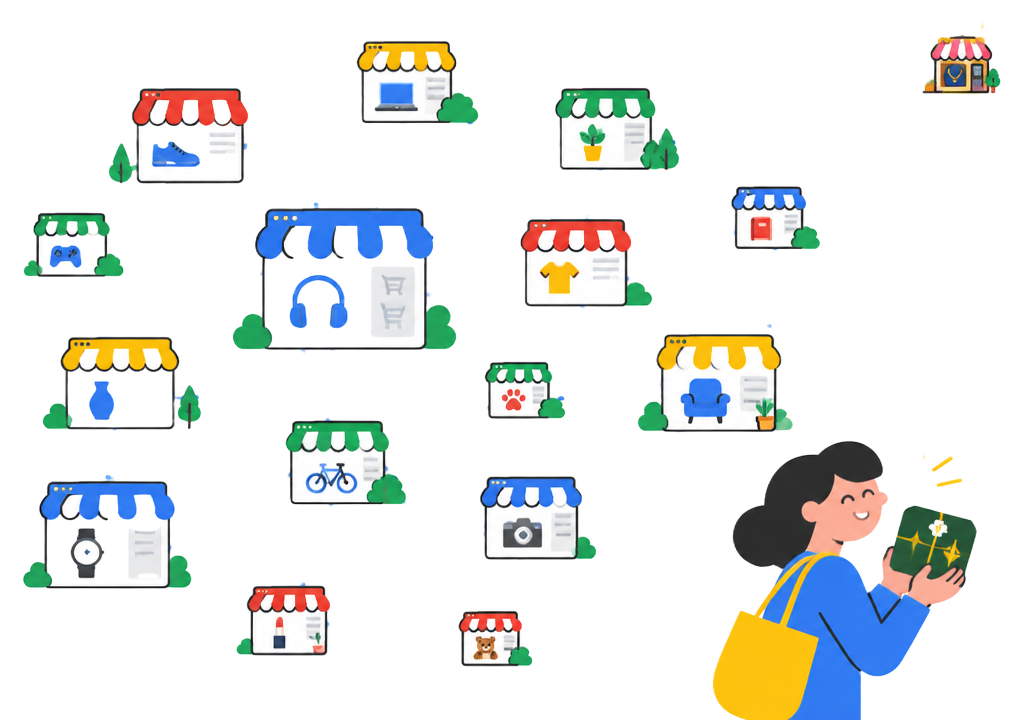
The hardest products to find are the ones no big marketplace sells: the vintage shop with exactly the right jacket, the small boutique with the dress you saw on someone else, the niche brand nobody has heard of yet. A regular search engine buries those shops on page nine.
Whatslink is built for them. We index hundreds of webshops – from the large retailers to tiny independent boutiques – and treat them equally. Because the index is organized by product category rather than by advertising budget, a search for a niche item surfaces every shop that actually has it.
And if you need help, the AI stylist can build a whole outfit from items already in the index, and the wardrobe tool can tell you what you are missing – all based on real products you can buy right now.
Try it yourself
The best way to understand the search is to use it. Type a category, a brand, a full sentence or a word you are not sure how to spell – the search will meet you where you are.
Start searching